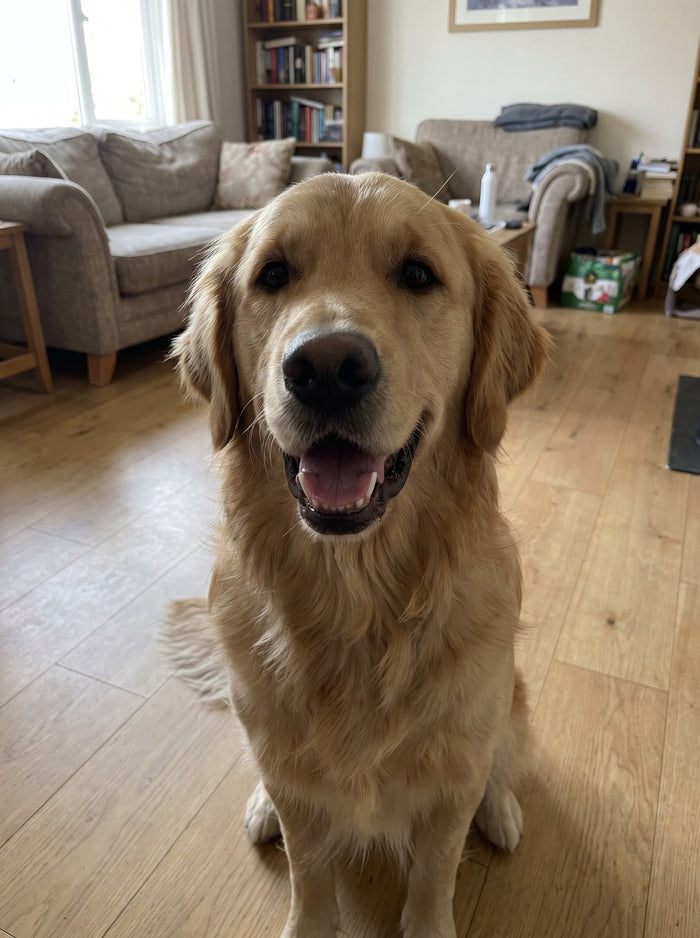
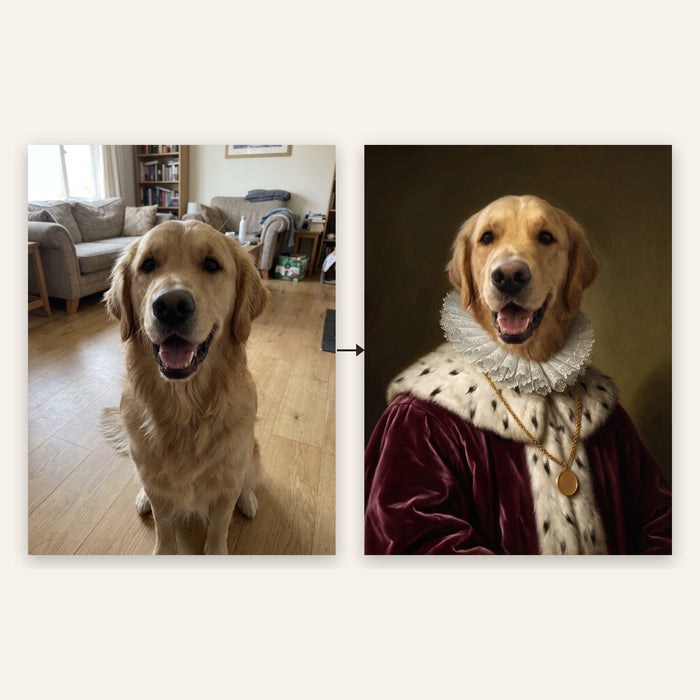
You do not need a professional camera for a beautiful pet portrait. The phone in your pocket is enough – even for a canvas of 100×150 cm, because we print from a newly created high-resolution artwork (300 dpi), not from your photo itself. What the photo decides is how much the portrait looks like your pet. These nine tips help.
1. Daylight, no flash
Soft daylight shows fur colour and eyes as they really are. Flash flattens the face and often causes glowing eyes. Indoors, move close to a window.
2. Go down to eye level
Photos taken from above make heads look big and legs short. Crouch or sit on the floor so the camera is at the height of your pet's eyes.
3. The whole head, ears included
Make sure nothing is cut off – especially ears, which are often what makes a pet recognisable. A bit of space around the head is better than too little.
4. Sharp eyes
If the eyes are sharp, the portrait comes alive. Tap the screen on the eyes to focus, and take a few photos in a row.
5. Nothing in front of the face
No hand, toy, lead or bowl in front of the face. A collar is fine.
6. No filters
Beauty filters, strong colour filters and stickers change what your pet looks like. Use the original photo.
7. Send the original file
Photos forwarded through messaging apps are often compressed. If someone sends you a photo – for a gift, for example – ask for the original, or for the "file" or "document" option.
8. Two or three pets? One photo each
They do not have to sit together. Upload one photo of each pet and they appear together in one portrait.
9. With people in the portrait
For "Me & my pet", upload a photo of yourself (or of the two of you together); a separate photo of your pet is optional. For "Family", a group photo is ideal and you can add up to three extra photos. Faces in daylight, no sunglasses.
Only older photos?
That is often the case with a pet who has passed away. A scan of a printed photo or an older phone picture can work well, as long as the face is reasonably sharp. Photograph a printed photo in daylight, straight from above, without reflections from glossy paper. Just try it – you see the result straight away.
Try it – the preview is free
Upload your photo, choose a style and see your portrait in about 30 seconds, before you pay. Not happy with the likeness? Try another photo.